2026 Google advertising account setup complete guide: qualifications, process, and fees in one article
Last month, when a client who was engaged in smart home global expansion came to us, his Google Ads account had been rejected three times. The reason was not that there was a problem with the product, but that the website domain name in the account setup information was inconsistent with the subject of the business license - a detail he had never been informed by the first two agents.
This is not an isolated case. Our experience in serving 500+ global expansion companies tells us:Google ads account setupIt seems simple, but 40% of businesses get stuck on the first step. Either the qualifications were not fully prepared and the application was rejected, or the wrong account setup path was chosen and spent a lot of money, or the account was blocked due to improper operation after finally opening it.
This guide is not a port of Google's official help documentation. From a practical perspective, we will thoroughly explain the qualification requirements, application process, fee structure, and key points to avoid pitfalls of Google advertising account setup. Whether you are a newbie in global expansion for the first time or an "old driver" who has been rejected many times, reading this article will save you 80% of the detours.
Want to skip the tedious account setup process? As an official Google certified partner (certification ID: 4908182032), we provide 24-hour fast account setup service, solving the three major pain points of qualification, review, and account ban.
There are 3 paths for Google advertising account setup: self-opening, agency, and MCC

Many people think that there is only one way to set up Google advertising account. In fact, there are 3 paths, suitable for enterprises at different stages:
Path 1: Self-service account setup (direct registration on Google Ads official website)
- Suitable for whom: Personal test, very low budget (monthly investment less than $500)
- Advantages: Free, no additional service charges
- Disadvantages: There is no dedicated customer service, you have to figure it out on your own when encountering audit issues, and it's easy to get stuck and get blocked.
- account setup duration: Instant registration, 1-3 working days for review
Path 2: Account setup through official agent
- Suitable for whom: Formal global expansion enterprise, monthly investment of $1, 000 or more
- Advantages: Official green channel, dedicated account manager, high review pass rate, and account ban support with appeals
- Disadvantages: Some agents have minimum recharge requirements
- account setup duration: Usually 24-48 hours
Path three: MCC sub-account account setup
- Suitable for whom: Multi-brand/multi-market companies, advertising agencies
- Advantages: Centralized management of multiple advertising accounts, unified settlement, and flexible allocation of permissions
- Disadvantages: Requires MCC administrative rights
- account setup duration: Consistent with agency account setup
Our advice: If you are serious about global expansion,Directly find the official certified agent account setupis the optimal solution. We are not saying this because we are agents ourselves - it is because agents account setup can enjoy the official green channel, higher approval rate, and priority appeal rights after account suspension. These are of great value in later placements.
A cross-border e-commerce ERP company (SaaS industry) started self-service account setup, but was blocked twice within 3 months, and each appeal took 2-3 weeks. Later, he was transferred to us. Not only did he reopen the account within 24 hours, but he also achieved a double increase in traffic and conversion through our intelligent bidding system (certificate number: 2023SR0851900).
Google Ads account setup conditions: Complete the qualification list at once
Google advertising account setup conditions are not complicated, but each item must be accurate. Here are the latest qualification requirements for 2026:
Necessary materials
| Material | request | Common rollover points |
|---|---|---|
| business license | Valid business license | Self-employed license may be refused |
| Corporate website | Can be accessed normally, the domain name is consistent with the subject | The website cannot be opened and the domain name whois information does not match. |
| Contact information | Business email (not personal email), phone number | Applications using QQ email are likely to be rejected |
| Promote products/services | Clear product description | Product descriptions are vague and involve restricted industries |
| Payment information | International credit card or corporate payment | Insufficient credit card limit |
Bonus materials (increase pass rate)
- ICP Filing: Mainland China websites are recommended to be registered
- Brand trademark: The pass rate for trademark registration is higher
- independent website: Having your own independent website is easier to pass than having only a third-party store
- Privacy Policy Page: The website must have a privacy policy and terms of service
Restricted industries (apply with caution)
Account setup in the following industries requires additional qualifications or review:
- Healthcare: Medical advertising review certificate required
- Financial management: Financial license required
- Education and training: Some countries require school qualifications
- Gambling/Betting: Prohibited in most areas
Not sure if your industry can account setup?Contact us for a free pre-qualification review, we will tell you the result in 5 minutes.
For more detailed qualification review details, please refer to what we wrote before Materials required for Google Ads account setup, that article provides a more in-depth breakdown of the review process and common reasons for rejection.
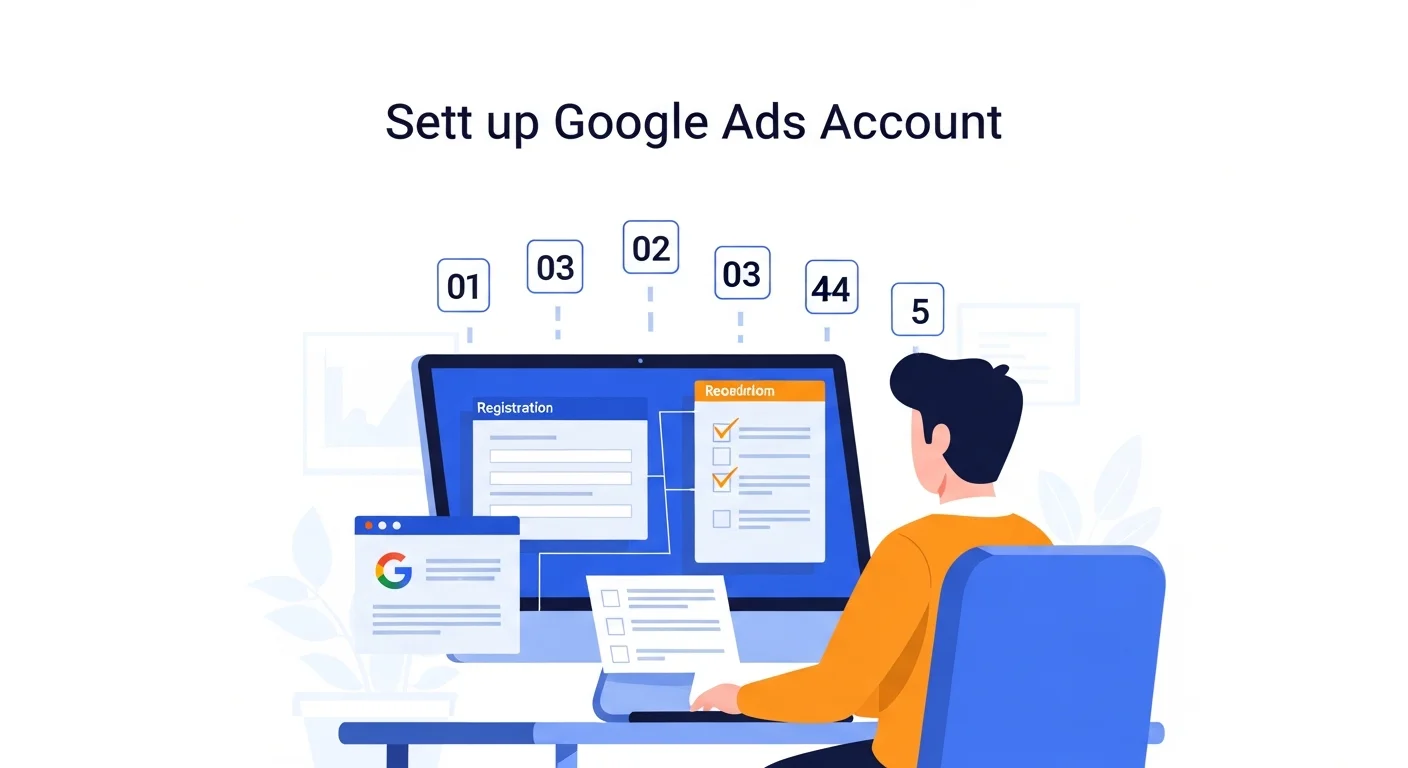
Google advertising account setup process: 5 steps from registration to online
Step 1: Sign up for a Google Ads account
- visit ads. google. com, click "Get Started"
- Log in or create a Google account (it is recommended to use a business email)
- Set basic account information: country, time zone, currency
Key reminder: Time zone and currency cannot be changed once set. Global expansion companies recommend selecting the time zone and currency of the target market (for example, choose Pacific Time + USD for the US market).
Step 2: Complete business information
- Fill in the company name (consistent with the business license)
- Fill in the business address and contact information
- Upload business license or company registration documents
Step 3: Set up a payment method
- automatic payment: Place first and then deduct fees (recommended, but good credit record required)
- Manual payment: Recharge first and then deposit (new accounts can usually only choose this option)
- Supports Visa/Mastercard international credit cards, bank transfers, PayPal (in some areas)
Step 4: Submit for review
After submission, Google will review your: - Authenticity of corporate information - Website content compliance - Whether the promoted products/services comply with Google advertising policies
Review time: Self-service account setup usually takes 1-3 working days; agency account setup takes 4-6 hours at the fastest.
Step 5: Account activation and create your first ad
Once approved, you can start creating your campaign. But don't rush into investing – set up your account structure first. we are Guide to building a Google Ads account structure The basic splitting method of enterprise search placement is discussed in detail in the article. It is strongly recommended to read it before placing it.
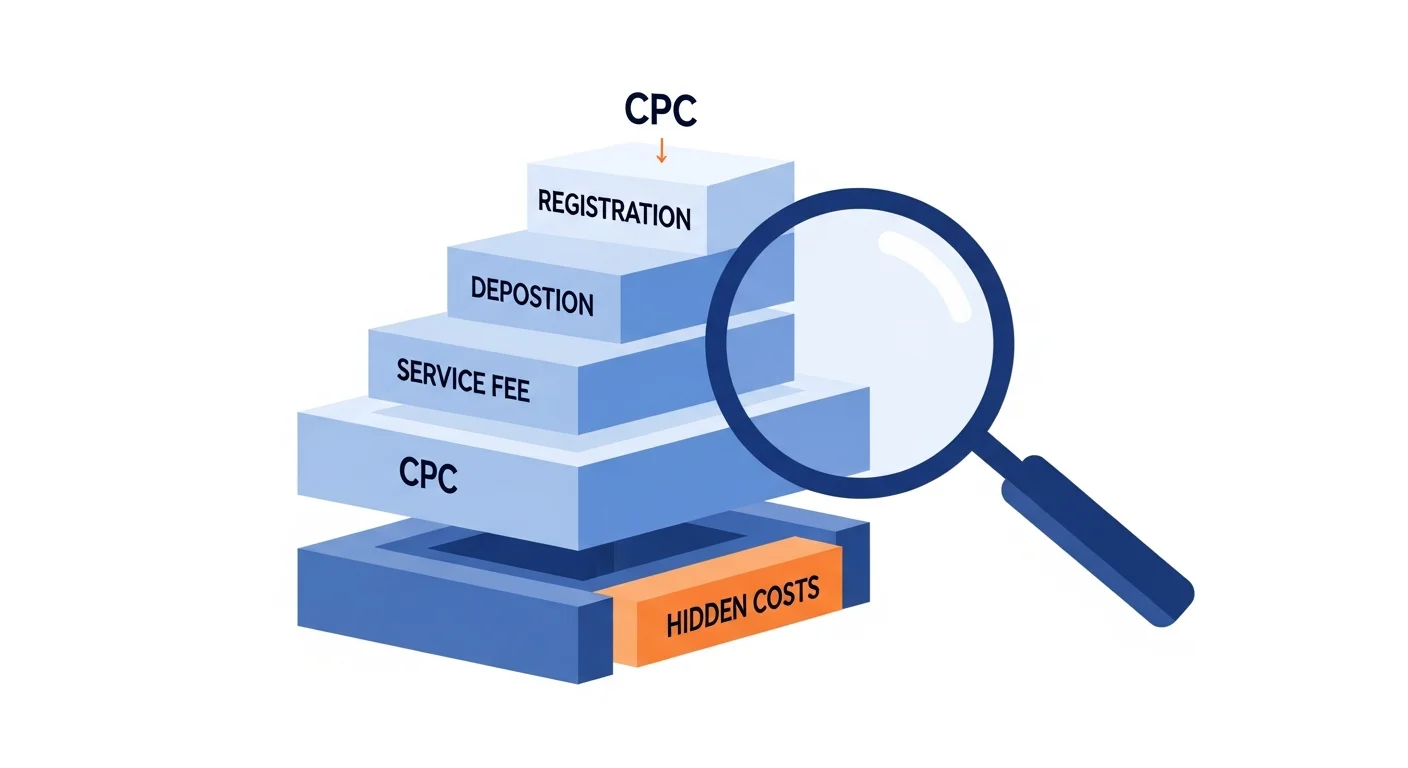
Google Ads account setup cost: Don't be misled by "free account setup"

Google Ads account setup itself is free – this is Google's official policy. But in actual operation, the costs related to account setup are far more than the "registration fee".
Full breakdown of cost components
| Expenses | Amount range | Description |
|---|---|---|
| account setup registration fee | ¥0 | Google officially does not charge registration fees |
| First deposit amount | $50-$500 | Agents usually have minimum top-up requirements |
| Agency service fee | 5-15% of ad spend | Agent's management service fee (including optimization) |
| Ad click fee (CPC) | $0. 5-$50+ | Competition levels vary greatly by industry and keyword |
| Website construction fee | ¥3, 000-30, 000 | If there is no compliant independent website, you need to create a new one |
CPC reference data for various industries
Average Google Ads CPC for major industries in 2026, based on our data managing 500M+ ad budgets:
| Industry | Average CPC (USD) | level of competition |
|---|---|---|
| Cross-border e-commerce (consumer goods) | $0. 5-$2. 0 | medium |
| B2B industrial products | $2. 0-$8. 0 | Middle to high |
| SaaS/Software | $3. 0-$15. 0 | high |
| legal services | $5. 0-$50+ | extremely high |
| Education and training | $1. 5-$6. 0 | Middle to high |
| Games/Apps | $0. 3-$2. 0 | medium |
The key to saving money: A high CPC does not mean that it is not cost-effective to place it. What really affects the ROI of advertising is the conversion rate and customer unit price. A SaaS enterprise CPC might be $10, but a closed customer is worth $10, 000. We helped a SaaS company reduce the cost of leads from $200 to $85 (a 57% drop) through the combined strategy of LinkedIn + Google Search. The key is not to reduce CPC, but to improve conversion efficiency.
Want to know how to determine your industry's CPC and delivery budget? View ourOmni-channel advertising managed advertising services, get a customized budget plan for free.
7 common pitfalls in Google advertising account setup (with solutions)
These pitfalls are the "high-frequency overturning points" we have summarized from the experience of 500+ enterprise account setups:
Pitfall 1: The website domain name is inconsistent with the business license subject
performance: The review was rejected because "the company information does not match".
solve: Ensure that the website's whois information, ICP filing information, and business license are consistent. If using a third-party domain registrar, check that the domain owner information matches the business name.
Pitfall 2: The website does not have a privacy policy page
performance: The review was rejected or suspended after going online.
solve: Add Privacy Policy and Terms of Service pages to the bottom of the website. The content must include data collection methods, instructions for using cookies, user rights, etc.
Pitfall 3: Selecting the wrong time zone and currency
performance: The data report is confusing, does not match the actual business time zone, and cannot be changed.
solve: Determine the target market before account setup. If listing on multiple markets, select the time zone and currency of the primary market.
Pitfall 4: Register with your personal email address
performance: Account management is inconvenient, teamwork is difficult, and corporate credit evaluation is low.
solve: Use a corporate domain name email (such as ads@yourdomain. com), which is more professional and easier to pass the review.
Pitfall 5: Immediately after account setup, large amounts are placed
performance: A new account directly invests $1, 000/day, which triggers Google risk control and the account is suspended.
solve: A new account needs to be "maintained" - start with a small budget ($20-50/day) in the first 1-2 weeks and gradually increase it. We generally recommend that clients keep their daily budget to no more than $100 within the first two weeks.
Pitfall 6: The same entity opens multiple accounts
performance: Violates Google's "one subject, one account" policy and all accounts will be blocked.
solve: If you really need multiple accounts (multi-brand, multi-market), manage them through MCC. Never open multiple separate accounts with the same business information.
Pitfall 7: Start investing without conversion tracking
performance: I spent money but don't know which keywords brought conversions and couldn't optimize.
solve: After account setup and before delivery, install first Google Ads Conversion Tracking. Investment without conversion data is blind investment. Our lead conversion intelligent analysis tool system (certificate number: 2023SR0851844) can realize full-link tracking from ad clicks to transactions, helping companies accurately evaluate the true ROI of each channel.
Why is account setup through an officially certified agent more reliable?
Not all agencies are the same. When choosing an agent, there are two key points to look at:Is there any official certification?andDo you have technical ability?.
The value of official certification
As an official Google certified partner (certification ID: 4908182032, you can Google official website verification), we can provide:
- 24 hours fast account setup: Official green channel, priority review
- Higher approval rate: We understand every detail of Google's review standards
- Prioritize appeals against account bans: Once there is a problem with the account, we can quickly resolve it through official channels
- Beta features take priority: Experience Google's latest advertising products in advance
Agents with five major platform certifications (Google, Meta, TikTok, Microsoft, LinkedIn) account for no more than 10% of the industry. This means that we are not only experts on Google, but also experts on omni-channel global expansion.
Differences in technical capabilities
A qualified agent doesn't just help you "open an account" - it helps you build a distribution system that can sustain growth from the beginning of account setup.
Our independently developed advertising intelligent delivery optimization system (National Software Registration, Certificate No. 2023SR0851900), equipped with an intelligent bidding engine and cross-platform automatic budget allocation algorithm, can reduce CPC for customers by an average of 15-25% and increase conversion rates by 10-30%.
A customer engaged in global expansion of biomedicine achieved a customer acquisition cost of 100 yuan through our system and accurately reached the target customer group. This is the power of technology + strategy - account setup is just the starting point, and the delivery effect is the end point.
"After connecting to SeaSeek's smart bidding system, we don't need to manually adjust prices every day. The system automatically optimizes, and the ROI increased by 35% in the first month." - The person in charge of an e-commerce brand
What should I do next after account setup?
Google advertising account setup is only the first step in global expansion. After the account setup is successful, proceed in the following order:
- Install conversion tracking: Must be completed before placing, otherwise it will be a blind investment. Reference Google Ads Conversion Tracking Troubleshooting Guide
- Build account structure: Split campaigns hierarchically by product line/region/intent. Reference Guide to building a Google Ads account structure
- Select a bid strategy: For new accounts, it is recommended to first use manual CPC to accumulate data, and then switch to smart bidding. Reference How to choose a Google advertising bidding strategy
- Prepare creatives: Search advertising requires high-quality titles and descriptions
- Set budget plan: New accounts start with a small budget and gradually increase the amount
FAQ
How much does Google Ads account setup cost?
Google Ads account setup registration itself is free. The actual cost includes advertising recharge (the minimum agency recharge is usually $100-$500), agency service fee (5-15% of consumption), and ad click costs. It is recommended that the overall budget be invested at least $1, 000 per month to have room for optimization.
Can an individual open a Google advertising account?
Yes, Google Ads supports personal account setup. However, corporate accounts are better than personal accounts in terms of approval rate, quota, appeal support, etc. For formal global expansion delivery, it is recommended to use the corporate entity account setup.
How long does it take to review Google Ads account setup?
Self-service account setup usually takes 1-3 working days. Through official certified agent account setup, the fastest is 4-6 hours, usually no more than 24 hours. Keep your contact information open during the review and Google may call to verify the information.
What should I do if my Google advertising account is rejected?
First find out the reason for rejection (log in to the Google Ads backend to check the notification). The most common reasons are that the website is not compliant, the company information does not match, and it involves restricted industries. You can resubmit after correcting the problem. If you are rejected multiple times, it is recommended to use an official certified agent to assist you - our Advertising Account Suspended Appeal Guide The appeal process of each platform is explained in detail.
Can a business open multiple Google Ads accounts?
In principle, one business entity corresponds to one Google Ads account. If you have multiple brands or multiple market needs, you should manage multiple sub-accounts through MCC (Manager Account) instead of registering multiple independent accounts with the same entity - otherwise it will violate Google policy and cause all accounts to be blocked.
This article is written by the SeaSeek SEO team and is based on the account setup service experience of 500+ global expansion enterprises. Data as of April 2026. To get account setup solutions and delivery budget suggestions specific to your industry,Book a free consultation.